UV Lamp Sterilization
UV sterilization lamps help keep cups and tableware hygienically managed.
Cup Sterilizers
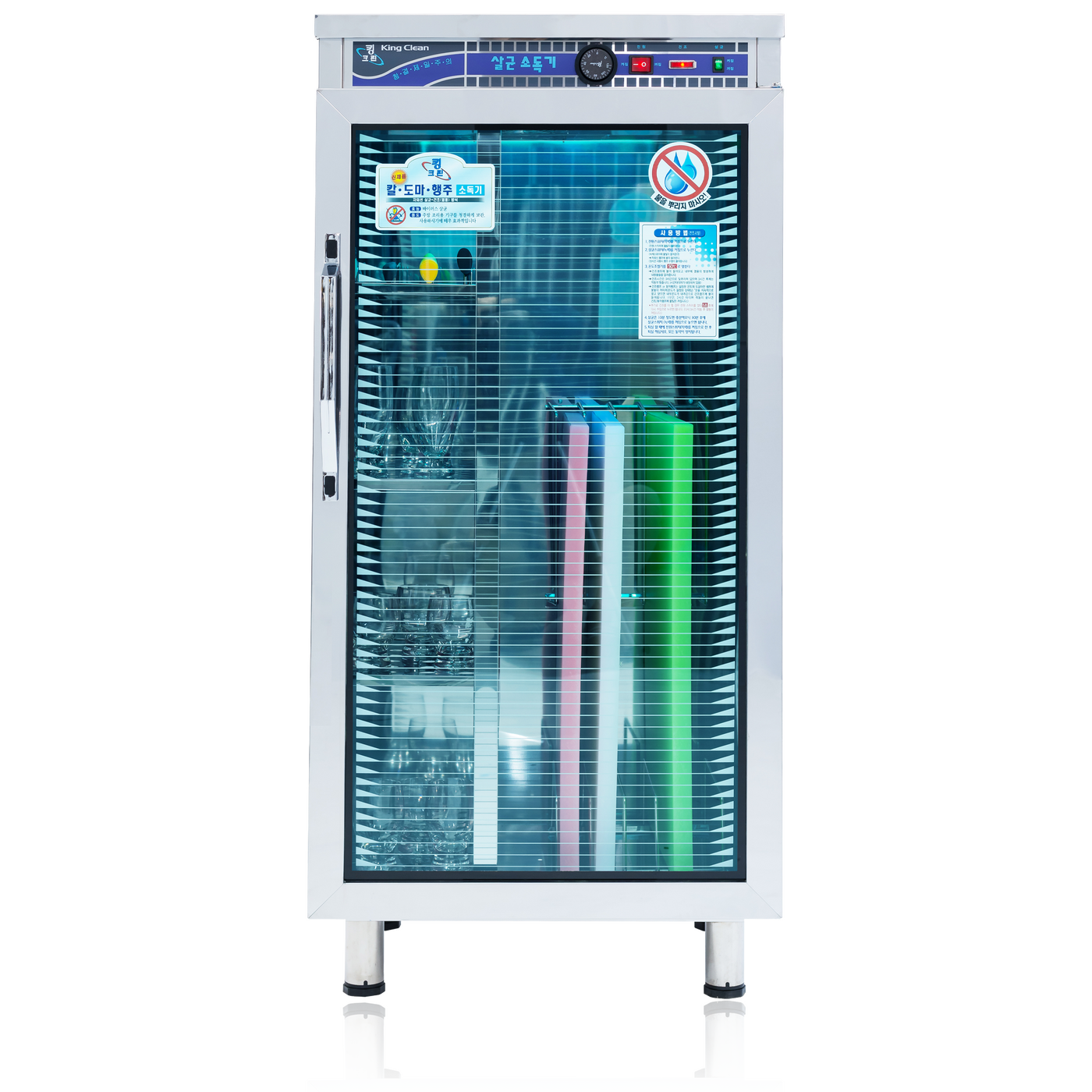
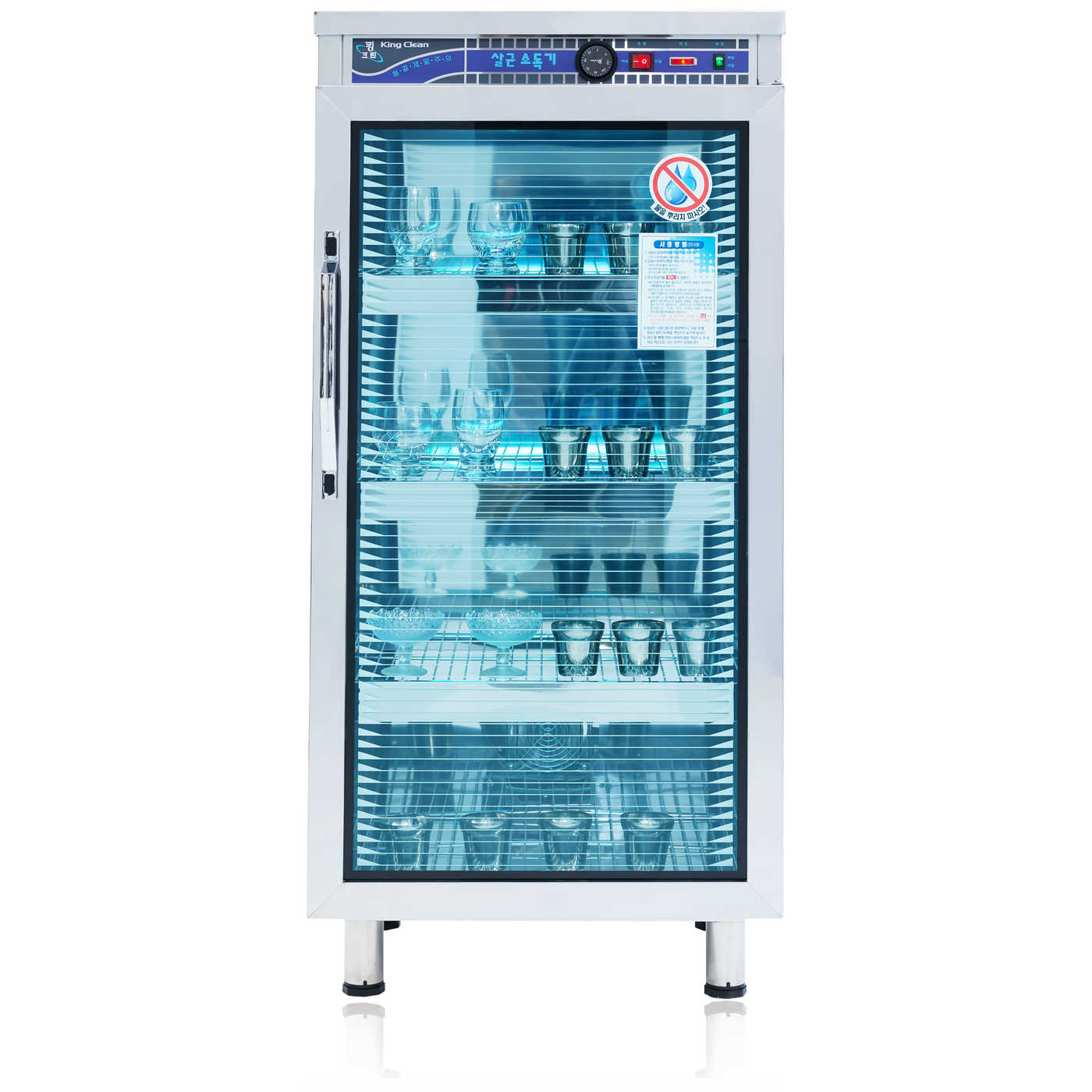
Approximately 280 L commercial UV sterilizer for sterilizing and drying cups and tableware.
제품 상세정보
Explore the product features and details.

주요 특징
UV sterilization lamps help keep cups and tableware hygienically managed.
Sterilization and drying functions make tableware care more convenient.
Provides ample interior space for approximately 150–170 cups.
Made of stainless steel for durability and hygienic maintenance.
주요 용도 / 사용처
제품 제원
| Dimensions | 600 × 490 × 1280mm (W × D × H) |
|---|---|
| Capacity | 280L |
| Shelves | 4 Shelves |
| Exterior Material | Stainless Steel |
| Interior Material | Stainless Steel |
| Rated Voltage | 220V |
| Power Consumption | 670W |
| Storage Capacity | Approx. 150–170 Cups |
사용방법
Simple controls make the product
easy for anyone to use.
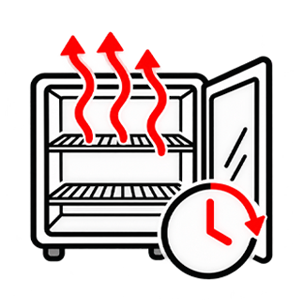
The sterilization cycle is 30 minutes. After the door is opened and closed, the sterilization timer resets to 30 minutes after a set interval.
보관요령
Follow these storage guidelines
for safe, long-lasting use.
A dirty interior may promote microbial growth and cause deterioration or odors.
Leave the door open to remove odors and moisture from the interior.
Remove any moisture from the interior and dry it thoroughly before storage.
문제해결방법
Find answers to common questions
that may arise during use.
• Check that the power plug is securely connected.
• Check that the power outlet is functioning properly.
• A power strip may have insufficient capacity. Use a wall outlet when possible, and avoid sharing it with high-power appliances.
• If the product overheats, contact the service center.
• Make sure the product voltage matches the outlet voltage.
• If no warmth is felt inside, contact the service center.
• Check that the power plug has not come loose during use.
• Avoid prolonged UV exposure for items that may discolor, such as red-colored materials.